3 things to weigh before choosing photobooth software that owners often forget
Features are the easiest part to compare, yet they are rarely why a booth fails on its busiest night. Three things matter more: who keeps fixing the software, whether it is proven with your printer and camera, and what happens to guests' photos when the internet drops. This article uses the development record of the Dreambooth booth app since November 2024, including 85 releases and more than 580,000 sessions in the field, as a real example.
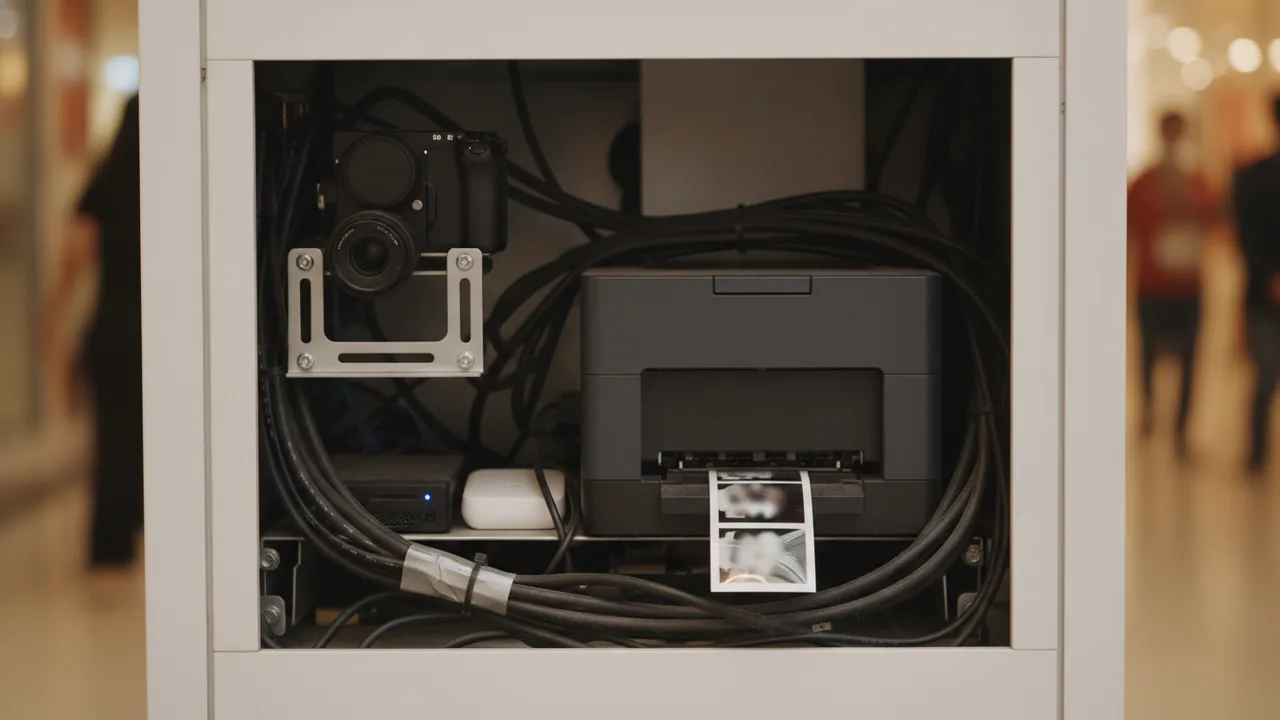
1. Who fixes this software tomorrow, and the day after?
Building an app is far easier than it used to be. With AI, one person can assemble a polished-looking photobooth app in a few weeks, and new options have kept appearing over the past year. The demos are often convincing.
The catch is that photobooth software is not an ordinary app. It has to hold a connection to a camera, a printer and a payment system at once, run for twelve hours or more without a break, and still keep every session when the venue's internet drops. A bug in an ordinary app means an error screen. A bug in a booth means a guest who has paid goes home without a photo.
Most problems like these never show up in a demo. They appear after hundreds of hours in real venues. A few examples from Dreambooth's own fix log: two DSLRs on one computer turned out to crash each other (July 2026). A camera refused to reconnect after the app was closed and reopened, until its cable was unplugged (September 2026). One booth ran for six days on a damaged local database file, and the app now checks and rebuilds that file by itself every time it starts (October 2026).
That is why the pace of fixes matters more than the feature list. The Dreambooth booth app has shipped 85 versions since February 2025. Through 2026, the median gap between releases has been five days. Of roughly 2,000 code changes, 276 are fixes aimed specifically at printing, cameras, uploads and payments.
The business model shapes this too. A one-off licence buys today's version. A subscription, as long as the developer stays active, buys the next fix. Don't pay a large sum up front for support that in practice only happens once.
Ask the vendor: how long has this software run in real booths, and in how many? When was the last release, and what did it fix? If my booth breaks on a Saturday night, who answers?
2. Is it proven with your printer and camera?
Photobooth software does not work alone. It depends on the printer driver, the camera firmware, the USB cables and the copy of Windows on the booth's computer. A combination that runs smoothly in one booth can stall in another.
The range is wide. Over the last 90 days, Dreambooth booths printed through about 44 printer models. The most common are the Epson L8050 and the DNP DS-RX1, followed by the Epson SureLab SL-D500, Epson L3210, DNP DS620 and Canon G500. Cameras include at least 36 DSLR and mirrorless bodies, mostly Canon such as the EOS R100, 1200D and 700D, plus webcams.
Not every combination is equally mature. Dreambooth's recommended print settings are built from print data in the field, and for some A3 printers such as the Epson L18050 and L1800 the data is not yet consistent enough, so there is no recommendation. An honest vendor will tell you things like this.
Printer failures are often invisible, too. Until October 2026, our app treated a print as done the moment Windows accepted the job. An empty ribbon, a paper jam or a hung printer all looked like success. The app now watches the Windows print queue after every print and flags any job stuck for more than 60 seconds as a printer incident.
Ask the vendor: I use printer X and camera Y — is there a booth already running that combination, and for how long? Then test it yourself before you buy: print 30 sheets in a row, unplug and replug the camera cable, close and reopen the app, and see whether the booth recovers without help.
3. What happens when the internet drops mid-event?
A booth that takes QRIS and delivers an online gallery does need the internet. No software can take a QRIS payment without a connection. The more useful question is: if the internet drops mid-event, what gets lost?
This is where software starts to differ. If photos are only held temporarily until the upload finishes, a dropped connection or a closed app can take a paying guest's photos with it.
Since version 2.0 (November 2025), the Dreambooth app saves every session to the booth computer's disk first, photos, videos and data alike, before uploading it. Printing does not wait for the internet. Uploads join a queue and are retried with growing gaps. An upload that keeps failing is not deleted; it is tried again every 30 minutes, because the usual causes fix themselves, such as venue Wi-Fi going down or a data plan running out.
The result shows up in the data. Over the last 90 days, at least 46 sessions from five booths were uploaded late, once their connection came back. The longest was shot on 29 August 2026 and reached the server 66 hours later, intact.
On the payment screen, if the connection drops while a guest is paying by QRIS, the countdown pauses. Once the connection returns, the booth checks the payment status again, so a guest who has paid is not marked as failed. If needed, the operator can skip payment with an operator code.
We have learned from our own failures too. Until September 2026, a session video was only tried three times before it left the queue, while photos were tried ten times. Videos are now treated the same as photos.
The limit should be clear as well: the Dreambooth app loads its screens from the internet when it first opens, so the booth must be online when it starts. What is protected is every session already running when the connection drops mid-event.
Ask the vendor: where are photos stored before they upload? If the internet is down for 30 minutes, what happens to the guest who is paying? Can I reprint yesterday's session straight from the booth computer?
Only then: features and looks
Features are the easiest part to compare and the fastest to copy. That is why they come last. They still matter, but only once the three points above are settled.
Check the customisation: the welcome page, frames, filters, the session flow and timeouts. Can you change all of it yourself from a dashboard and have it reach every booth at once, without copying files to each computer?
Check the output and the money as well. What can guests take home: only a print, or also a GIF, a video strip and a session video? Which payments are supported, such as QRIS with daily disbursement, vouchers, cash or cards? Is there a transaction list and a per-booth report?
One simple test: ask the vendor to swap the frame on a demo booth while you watch. If it takes more than a few minutes, picture doing it for five booths an hour before an event starts.
Common questions
Can photobooth software run without the internet?
Partly. Capture, saving and printing can run offline, but QRIS and the online gallery need a connection. With Dreambooth, the booth must be online when it starts. After that, a dropped connection does not erase sessions: photos are kept on the booth computer and uploaded when the connection returns.
Is a one-off licence or a subscription better?
It depends on what you are buying. A one-off licence buys today's version, while a subscription buys the next fix for as long as the developer stays active. For software that has to keep up with changing printer drivers, cameras and Windows updates, that next fix is what you will need most often.
Which printer is the safest choice for a photobooth?
The safest one is a printer already proven with the software you choose. On Dreambooth, the most widely used are the Epson L8050 and the DNP DS-RX1. Whatever you pick, run 30 prints in a row before your first event.
How do I test photobooth software before buying?
Start with the full flow. Dreambooth's Free plan runs in a browser with a laptop webcam, so you can try the welcome screen, capture and result before buying any hardware. Then test it with your own printer and camera.
Software is the part you can try first
Before buying any hardware, the free tier runs the whole flow in a browser using a laptop webcam — welcome screen, capture, result.